 NexlyFlow
Connect your store. Let orders start the conversation.
Bring your Shopify or WooCommerce products and orders into NexlyFlow. Customers get WhatsApp updates when they order and when it arrives, with the product photo and a button to view the order.
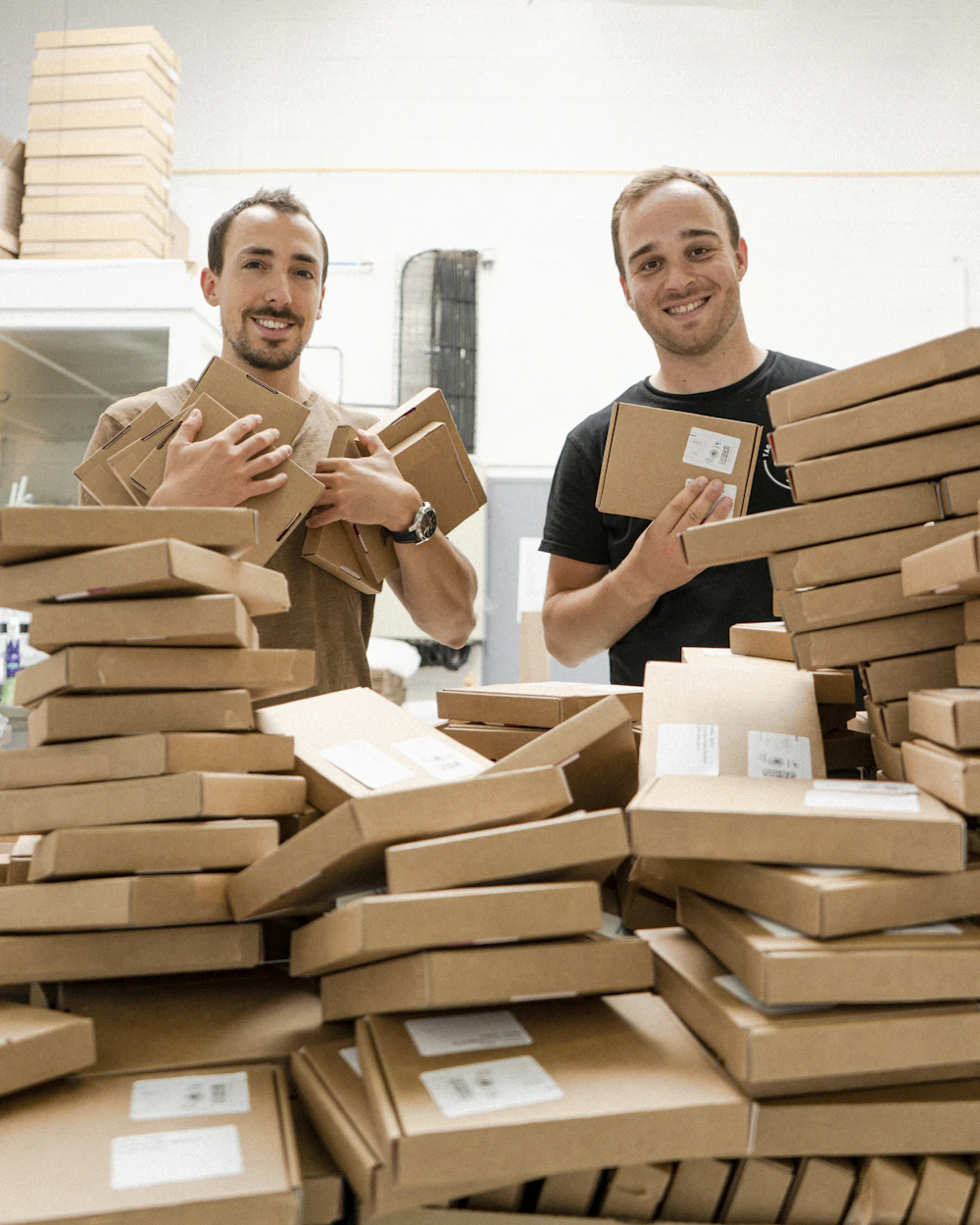
Your store and your chats, finally connected
Orders start conversations, and your team sees who has paid.
Connect in minutes
WooCommerce in one approval. Shopify with your store's own app.
Order updates on WhatsApp
Confirmed, shipped and delivered, with the product photo.
Sell again
Label buyers by order status and reach them in your next broadcast.
Connect your store in a few clicks
For WooCommerce, approve NexlyFlow from your store and the order webhooks are set up for you. For Shopify, connect with your store's own app. Products sync with a full check and a plain result.


Order updates customers actually read
Turn on the messages you want. Each one fills in the order number, items and link by itself, and can show the product photo with a View order button.
Label buyers by order status
Customers are labelled as their orders move, from Pending payment to Paid and Delivered. Use the labels in the inbox, in journeys and for your next broadcast.

Works with the rest of NexlyFlow
Every feature shares the same contacts, inbox and reports.
Questions, answered
Which stores can I connect?
Shopify and WooCommerce. Other tools can connect through Zapier, Make, our API or webhooks.
Do order messages need Meta's approval?
Yes. They are Utility templates. A set of store notification templates is ready in the library, sorted by scenario, for you to send to Meta in one click.
What if a customer has no WhatsApp number?
They are skipped, and your store's own order emails still go out as usual.
Do store notifications use up my journeys?
No. Order notifications do not count towards your plan's journeys.
Connect your store and send your first order update.
Free plan. No credit card. WooCommerce connects in one approval.